Designing Internal Tools That Employees Actually Want To Use
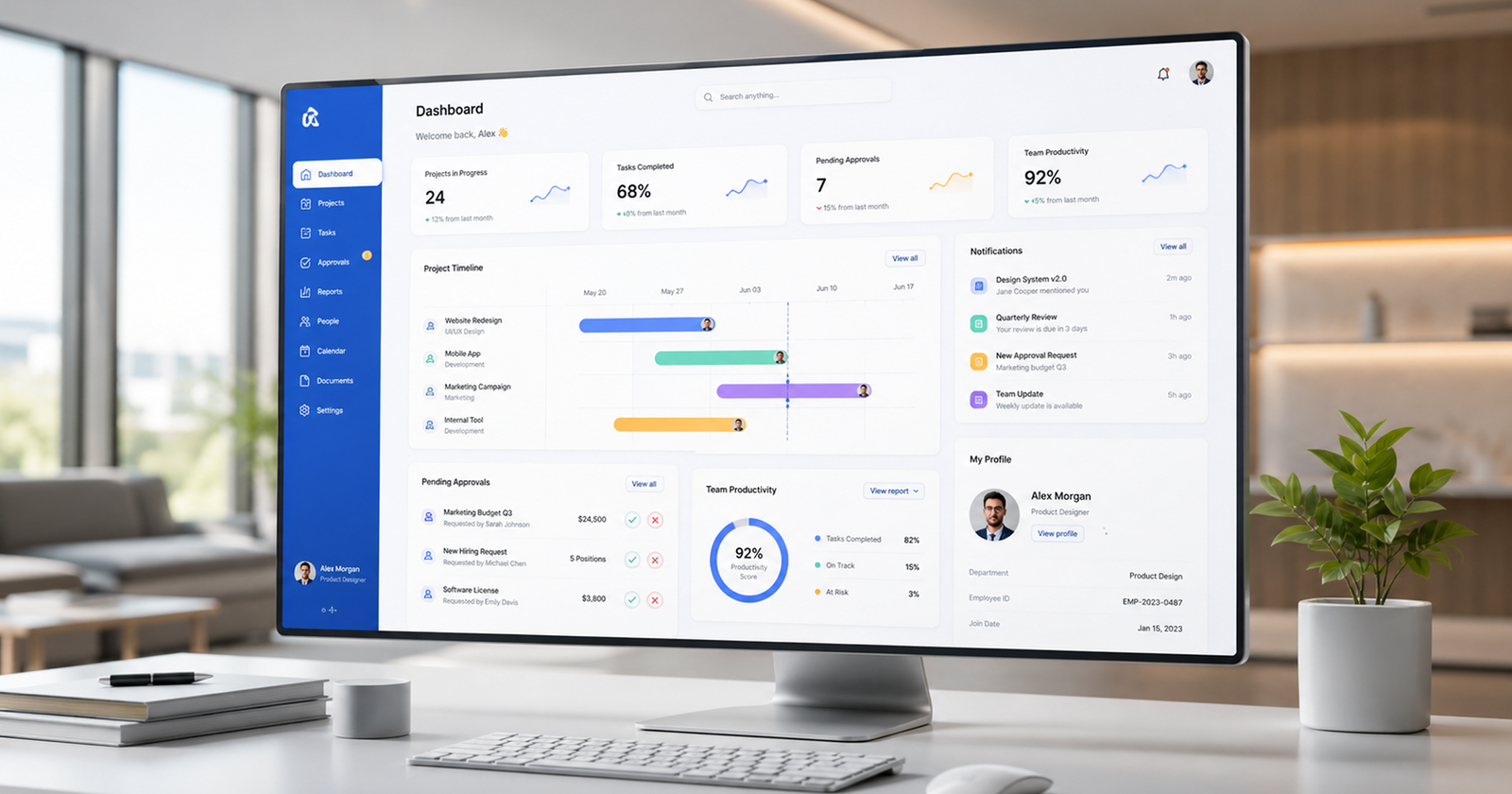
The most valuable software inside a business is often invisible to customers. Well designed internal tools reduce friction, improve productivity, and help teams make faster, more confident decisions every day.
 By Lokomax Studio
Most businesses invest heavily in customer facing experiences while overlooking the software employees rely on every day.
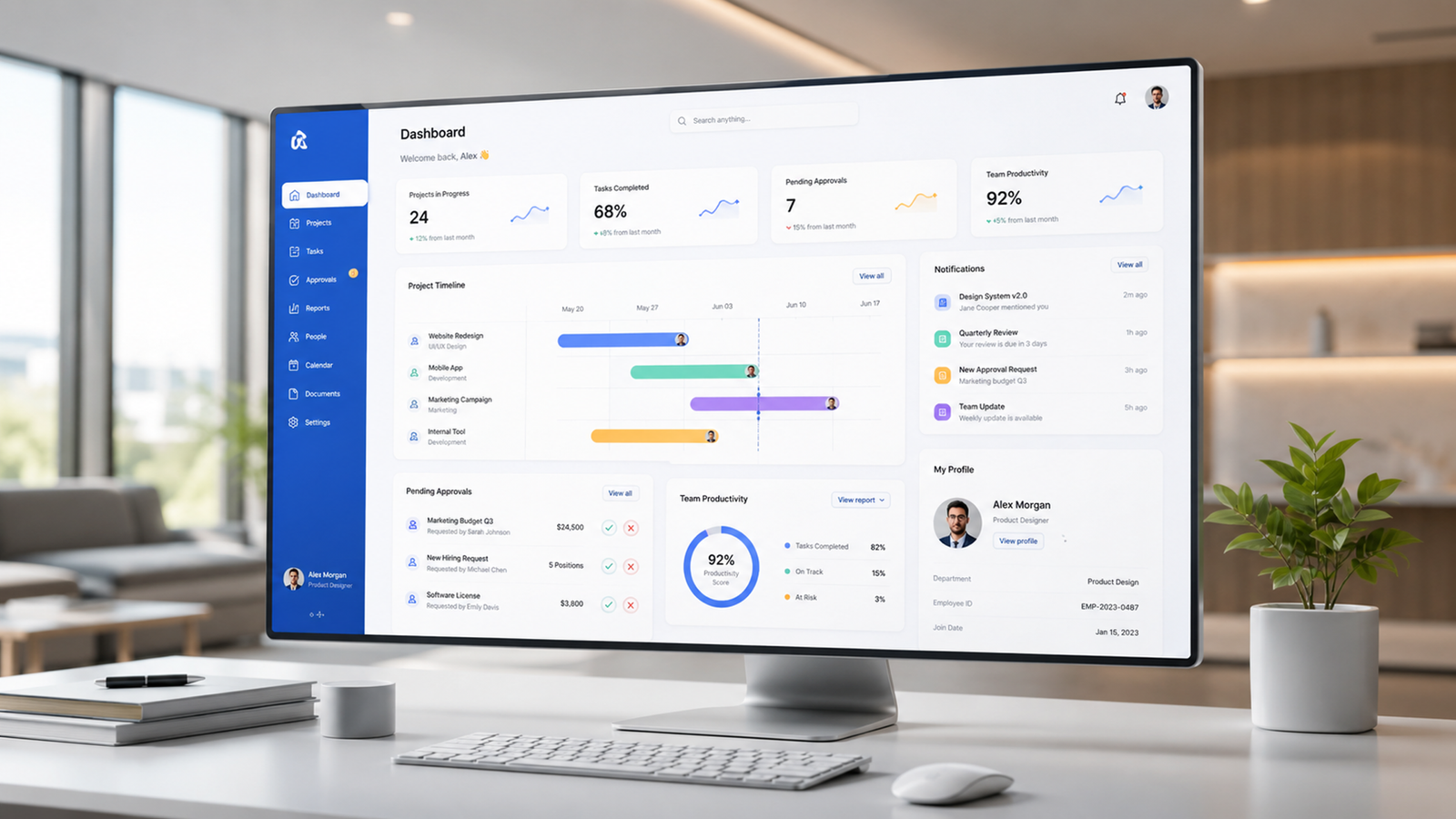
Internal dashboards, CRM systems, reporting platforms, inventory tools, and administrative software directly influence productivity, decision making, and operational consistency.
When these systems are confusing or inefficient, every employee loses valuable time. Designing better internal tools is less about aesthetics and more about helping people complete work with confidence, clarity, and speed.
What This Insight Covers
Reduce Friction
Remove unnecessary clicks and repetitive tasks that slow employees down.
Employee Experience
Design software around how teams actually work instead of forcing new habits.
Operational Visibility
Surface meaningful information that supports better decisions.
Long Term Scalability
Flexible systems adapt as businesses grow without creating complexity.
Why This Matters
Internal software should never feel like a barrier to getting work done.
Unlike customer products, employees use operational systems for hours every day. Poor navigation, inconsistent interfaces, and unnecessary complexity compound into thousands of lost hours each year.
Successful internal products prioritize usability, workflow efficiency, and clarity over decorative interfaces. Every interaction should help employees accomplish tasks with minimal effort while maintaining accuracy.
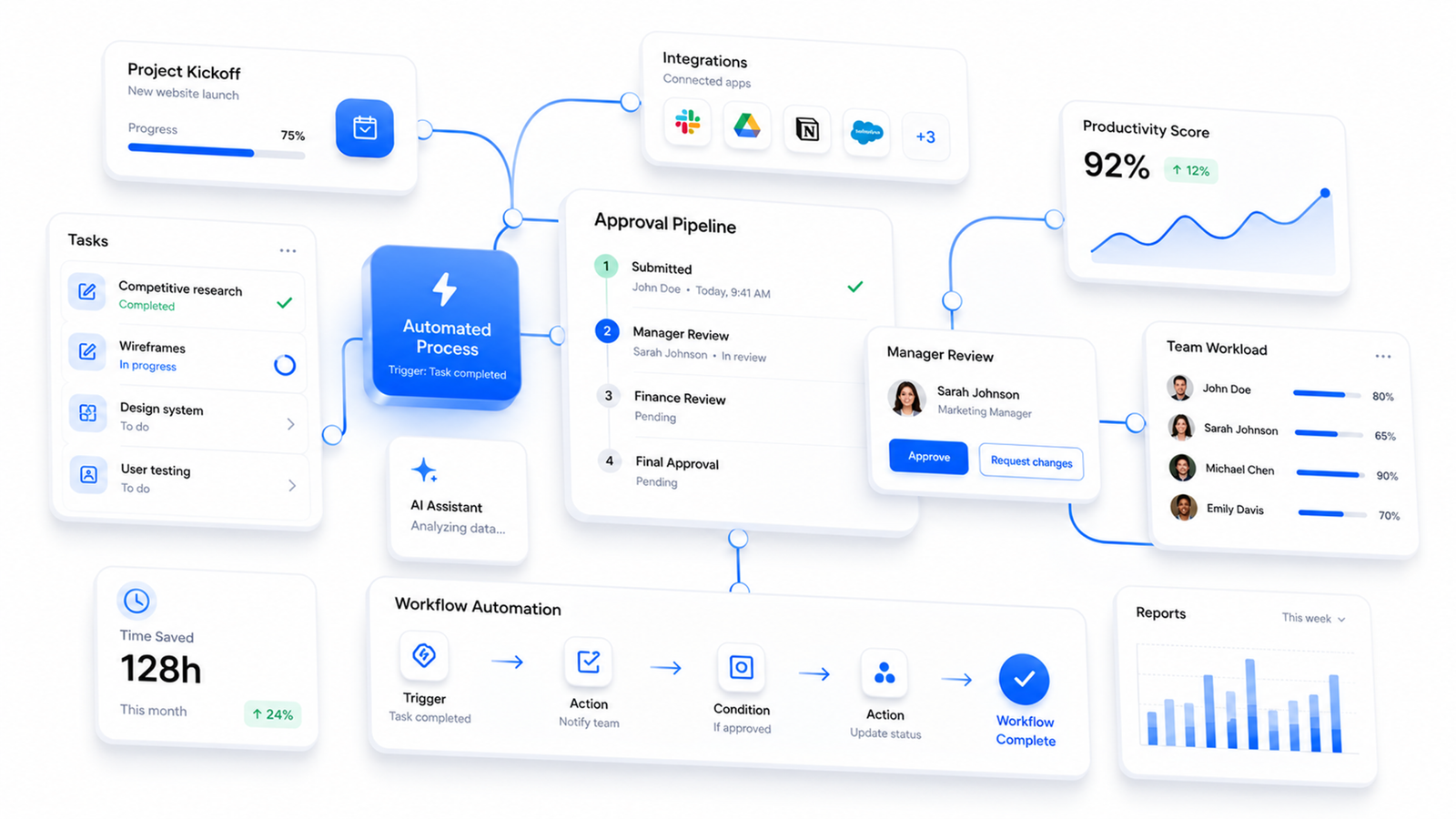

Design Around Workflows, Not Features
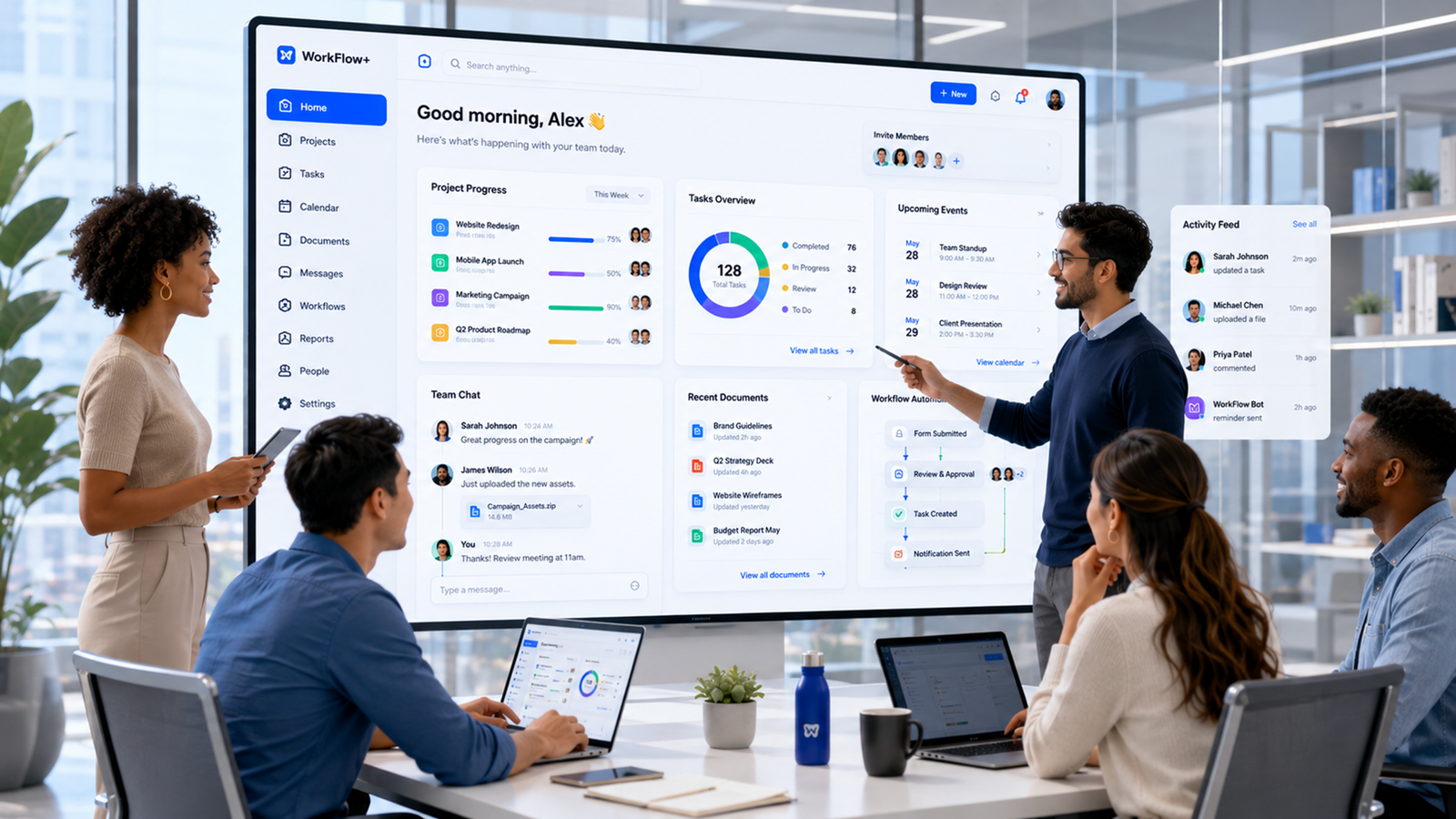
The best internal systems begin by understanding business operations rather than listing software features.
Before designing interfaces, teams should map responsibilities, approvals, information flow, user permissions, reporting requirements, and operational dependencies.
Only after these relationships are understood should screens be designed.
This systems first approach produces software that grows naturally alongside the business instead of becoming another operational bottleneck.
Research the job, environment, and exceptions
Internal tools succeed when design reflects the conditions in which work occurs. Observe employees completing representative tasks, including interruptions, handoffs, missing information, and uncommon cases. Record the decisions they make and the consequences of being wrong. A workflow used briefly at a desk has different needs from one used continuously in a busy service environment.
Translate findings into role based journeys and task frequency. Optimize frequent, low risk actions for speed; make rare or high impact actions easier to review. Include new employees, experienced specialists, supervisors, and support staff in research because each group sees different sources of friction. This evidence prevents internal tools from serving only the assumptions of project sponsors.
Design safe defaults and clear recovery
Use defaults that reflect the most common valid choice, but always show what the system selected and allow correction where appropriate. Permissions should follow responsibilities and expose only the information and actions a role needs. Important changes should preserve an audit history so teams can understand who changed what and why.
Error messages must identify the problem, retain entered information, and describe the next action. Provide visible status for long running processes and explain dependencies when work is waiting on another person or system. Recovery design builds more trust than pretending failures will never occur.
Pilot adoption as a product outcome
Start with a representative group and one complete workflow. Give users a concise operating guide, an accessible support route, and a clear explanation of what feedback will influence. Observe real use rather than relying only on training attendance or login counts. Track task completion, time on task, correction frequency, support questions, and the rate at which work moves outside the tool.
Review findings with product, operations, security, and technical owners. Fix blockers before expanding to additional teams, and distinguish missing functionality from a need for clearer communication. After launch, maintain a visible improvement backlog and publish meaningful changes. Employees are more willing to trust internal tools when the team responds to evidence, protects their work, and treats adoption as an ongoing relationship rather than a one time rollout.
Before each release, verify the tool with realistic data and permissions for every affected role. Include keyboard navigation, responsive layouts, performance on ordinary devices, and a clear privacy review. Internal users deserve the same product discipline as customers. A release checklist that combines usability, accessibility, security, data integrity, and recovery helps the organization move quickly without transferring hidden risk to employees.
The best internal software doesn't impress employees, it quietly helps them work better every single day.
A Practical Internal Tool Framework
Research
Understand daily employee workflows and operational challenges.
Map
Document information flow and task dependencies.
Simplify
Present only the information users actually need.
Standardize
Create consistent navigation, components, and interactions.
Improve
Continuously optimize based on employee feedback.
What To Do Next
Understand business operations before designing screens.
Prioritize employee workflows over visual complexity.
Keep navigation predictable and consistent.
Reduce repetitive manual actions through automation.
Continuously improve systems using employee feedback.
Need help designing internal software?
Our team designs dashboards, operational platforms, CRMs, and business systems that employees enjoy using while helping organizations operate more efficiently.
Ready to modernize your operations?
From internal dashboards to enterprise management platforms, we help organizations design digital systems that improve productivity and support long term growth.